In this age, efficiency is the motto. You can create a website in a few seconds with AI, Web Flow, or WordPress.
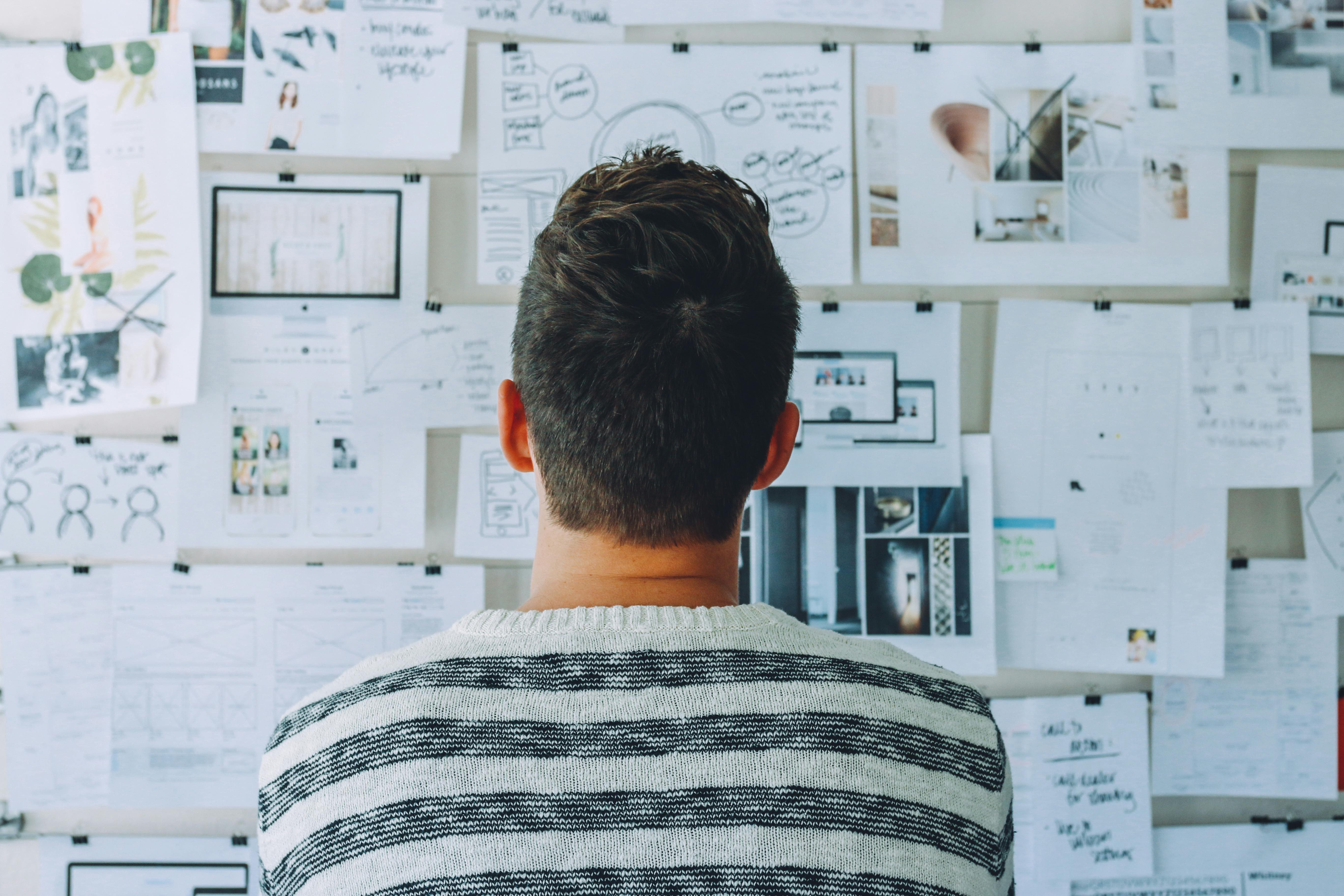
It’s rare to build a website intentionally and reflectively. Actually, it’s rare to find any project/product like that. Who makes something from scratch and goes through all the steps: sketching, looking for ideas, designing, gathering materials, coding, testing, deploying, asking for feedback, iterating anymore?
So, I did just that! I built several websites that way and now I’m going to walk you through that journey.
The content of this article is completely my personal opinion. Feel free to judge but make sure to enjoy!
Why bother?
Plenty of reasons. But let’s take it slow. Here’s a question: If you had all the time and effort, would you do your little brother’s homework for him all the time?
“No." - But it would save him a lot of time.
"He needs to learn to do it himself." - But why? You can always do it for him.
"He needs to learn so he can do it when I am not available." - But what if you were always available?
"No. It needs to be his own work so he can improve" - But... is that worth the risk? You could do it in less time and produce better results if you did his homework for him.
"I’d still rather he did it himself." - ...Understood.
Your answer might be yes at some point, but I am sure most of us would rather let our brother do it himself and become better even if there was absolutely no need for it.
Now, you are the little brother. And the big brother is the tool, AI, or whatever you are using to instantly create the project for you. What would you do?
If that’s not convincing enough, let me put it simply. In the process of getting from A to B, you might encounter C, you might meet 7 (what is a number doing here?), you might learn about Gamma (Latin letters too??), the possibilities are endless. If there was a button that would let you teleport from A to B right away. Surely, that would be very efficient. But… we are missing out on a lot of amazing stuff, experience, and… people.
Alright, enough analogies, now let me show you what I actually encountered in the process. In the end, you can make your decision whether it’s worth it or not.
Meaning behind design
If someone asked you to create a website, the first question you’d ask is “what is it for?” Well, that tells us everything we need to know.
The goal of a website is to convey a purpose, a message, a reminder or an offer. What it represents determines everything about its structure, design, accessibility and content.
For example, a website about protecting the environment would probably have a few of these elements: a green or blue color palette (the most common in nature), bold big headlines (focus on the important stuff), a lot of photos and illustrations (helps share the message and emotions), and a clear form or set of links (so that the user can directly help or contact someone).
That makes sense, right? But what does that have to do with me building the thing myself instead of using AI?
That has to do with the skill we develop while doing that. Most of us are able to detect this naturally, whether a product “feels right” or not. You would probably feel repelled if you saw a hospital webpage filled with black and red fonts, for example.
However, only a few of us can actually take this into consideration while building the product itself. And I am not exclusively talking about the color palettes, many of us have a natural tendency to choose the right colors. But user interface goes a long way beyond that. Typography, spacing, visual hierarchy, what feels clickable and what doesn't — these are all silent decisions that shape how someone experiences your website without them noticing.
Therefore, we can say that building the website or product yourself helps you develop the skill to manifest your ideas or meanings in a tangible visual way.
Personally, I couldn’t express my thoughts very well in speech, let alone make a website. But through consistent messy websites, and poster designs I made for fun, I got better at it.
Expressing oneself clearly in a visually appealing manner… sounds like a skill worth developing, no?
Stealing? It’s called inspiration
Now do we have to create tens of websites until it “feels right"?
Not necessarily. This is where inspiration comes in. Usually, when you build a product, you take a look at existing similar products. You notice any patterns, outliers, things that caught your attention, and also things that were invisible at first but play an important role.
You don’t need to create tens of websites, but you should observe tens of them to get a good perspective.
Technically, you can’t create something out of nothing, then decide if it feels right or not. You should have a reference point. And the websites you observed and analyzed will become just that.
Now you have a decision: either copy a design, or build on it. I believe I don’t need to tell you what’s the right choice.
A great design is one that combines: common patterns and ideas, unique styles, and your own touch. Of course, that combination needs to be coherent and reasonable.
Havana is a fashion webpage I made for practice. I did a lot of research and noted many ideas before building it. For example, you would find that the white & black palette is not uncommon for fashion websites. You would probably see a similar “collections” or “gallery” section on other websites. While, the “new arrivals” is inspired from the logo sliders you see on the “Partners” section in some enterprise websites.
But, innovation is when you create something totally new, or repurpose an existing idea, right?
The “Reviews” section is similar to another one I saw but I changed some color choices and the position of the arrows. The blurry text above the “blogs” section is totally my idea. And so on. Most sections are similar to what I saw on other websites with a few changes, major changes, or something completely new.
And that’s how you develop an eye for design without starting from zero, and without stealing anything.
Everyone at once
If you had a tough time acting as a kid, you better start training.
As you build your own website or product, you will have to develop it on several levels.
You will need to write the code, think of the design, test the website, and do other similar tasks. Thus, you are the developer, designer, tester, you name it. Is that a bad thing? Not at all. The goal is to be a specialist with general knowledge of other aspects.
Back to the topic, impersonating each job while working on your website will allow you to see things differently, and gain new skills. You will understand the code and features you deploy as a developer, the design choices you make as a designer, and the changes you allow as a tester.
This doesn’t only earn you valuable experience, but it gives you more freedom to change your project as you like. A designer might not be able to develop their design because the programmer said it’s too complicated, a programmer might not be able to deploy his feature because the tester said it’s distracting.
But you? You are everyone and you did everything. Who’s gonna stop you? And that leads us to our next topic..
Your space, your ideas
Since it’s your website, you are free to include whatever crazy ideas or designs you want. Working in a company limits this, and tools or AI usually output different results but with a similar pattern, which makes it hard to be unique. This is where you shine.
If you want a silly 404 page, make it. Want to include emoticons :) or emojis 😊? Be my guest.
Whatever thing you wanted to try out but didn’t get the chance out of embarrassment or work restrictions, or lack of time. When you work on a personal project, you have more freedom to try things out.
It’s like when artists realize they can draw anything, and I mean ANYTHING.
Remember that and enjoy it.
Developing taste, but not for food
You will learn a lot about artistic taste (no food here, you hungry fellow) whether you want to or not. Design and styling are a major part of web development or any other tech field. So let me tell you what I learned:
You are gonna want to use a color palette. Yes, I know what you are thinking. I also tried picking colors I like and try to make it work, it won’t. A more flexible approach would be to use a color wheel, but a color palette is the most effective way. Some famous palettes websites are Coolors and Color Hunt. As for what to use the colors for (background, font, primary color, etc.), you are better off looking at some online examples.
Consistency is key. I know there are a lot of ideas you want to try out. This will make the viewer overwhelmed. Pick one design, one color palette and one common theme at a time. Simple does it.
Clarity and ease of access are more important than cool animations. Yep, that’s the truth. It hurts, but it’s true.
A good UI isn’t necessarily one that leaves you jaw-dropped, it’s the one that makes it easy to see and reach what you want. The less distractions, the better. Of course, if it could have both clarity and cool animations, that’s a bonus.
There are a lot of light CSS and JS libraries for everything out there. Hover animations, backgrounds, and small features.
Use them... the right way. Use the templates they have, understand how they are made, and customize them. Time after time, you will find yourself capable of manually coding these animations.
Some good libraries are AoS, Hover.css, and Anime.js. There are tons more out there.
There are also a lot of free media to use on the web. Many websites offer SVGs, 3D objects, Stock photos, GIFs, illustrations, videos, etc. Some good ones are LottieFiles, Zdog, FontAwesome. There are infinite web development tools as far as I am concerned, and these are only a few of them (do your own research!).
You are your first user
We talked about user interface (UI). What about User experience (UX)? Well, this will come naturally that you won’t even need to do much.
You will be your website’s first user. So, take notice of what you dislike and change it right away!
For example, when I was working on my website, I found myself naturally clicking on the website logo to get back to the home page. Huh? It wasn’t working? Good to know, now I can change it.
You probably browse a lot of websites. Look for what you liked and what you found convenient and implement it.
After you finish your website, you need to revise and re-read it a lot. This container feels slightly off-center? Fix it. The colors are a bit too strong, choose a calmer shade.
Don’t ignore whatever thoughts come to you, if you could notice it, someone else might too. Now, not every imperfection you notice will bother a casual user. But a thousand? A million? Yeah, a few are bound to notice.
You, too, were a user before you became a developer.
Let it be free
Here we are. You finished your website. It looks beautiful. Wait, you are not going to gatekeep it like a trophy on a shelf, are you?
Projects and websites were made to be shared with others, for others to use, and to give their feedback.
You might have tried to cover each small detail, but no matter how hard you try, you can’t view your own project from another person’s perspective. It feels like trying to review your own essay. That won’t work, it’s your essay! How could you have a different opinion than what you wrote yourself?
You are missing out on a lot of insight if the only one you show your work to is your AI chatbot or manager.
That brings up something I didn’t think about at first: accessibility.
When you make something for others, you want to make it accessible to as many people as possible. And that translates to more design and coding work.
Turns out, small things matter. For instance, sufficient color contrast for colorblind users, alt text on images for screen readers, keyboard navigation for people who don't use a mouse. None of it is complicated, but you’d never consider it unless you were building for others, not just yourself.
Go out and share it. Send it to your friends. Publish it on Github. Post it and say, “what do you think?”. Receive comments (good and bad), embrace them and improve. That’s the beauty of it.
Is it done yet?
Haha, no.
When you build something real and go across all these steps slowly, you never truly finish the project. It becomes a part of you. Something you look back on, not just as a finished project, but as a memory of who you were when you built it. Every time you look at it, you remember all the small details you learned along the way (that’s how I remember all the details to write this article too).
But that’s not the whole story. It might not be finished, literally not just metaphorically. A website you built for others will need constant improvements and feedback. You might get more ideas that you want to add, more crazy things to try.
Done is a myth, and that’s a good thing. It’s important to strive for growth but know when to settle... for now. You will never reach perfection. So what? It just means you can always improve. May you never be satisfied!
Conclusion
We have come a long way. Can we create a conclusion out of all these chaotic thoughts? You bet.
Here’s a Call to Action: It’s okay to use any tools or shortcuts (AI, copy-pasting, libraries) to save time when the goal is to make the product as efficiently as possible.
But... make some time to create something from scratch every now and then. A project a month, take it slow, share it with friends. Something like that will keep both your passion and skills alive.
Creating a website, or any product really, is ultimately an act of self-expression. The more we engross ourselves in the process, the more we find out about ourselves. And that is, my friend, the forgotten joy of creating a website.